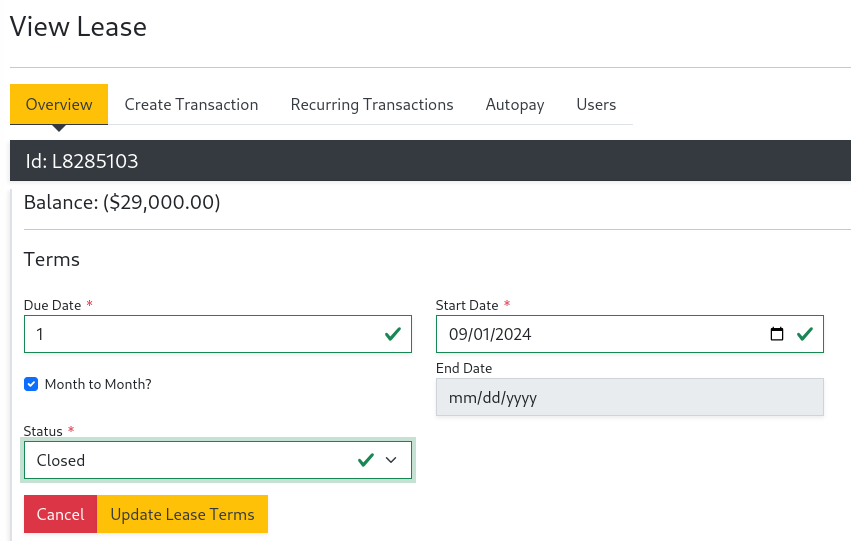
Ending a Lease
The following documents how to terminate a lease.
- Select the
PortfolioandPropertyin the left navigation panel. - Then under
CustomersselectLeasesin the left navigation panel - Use the filters to find the lease by the Unit name. Once you find the lease, select
View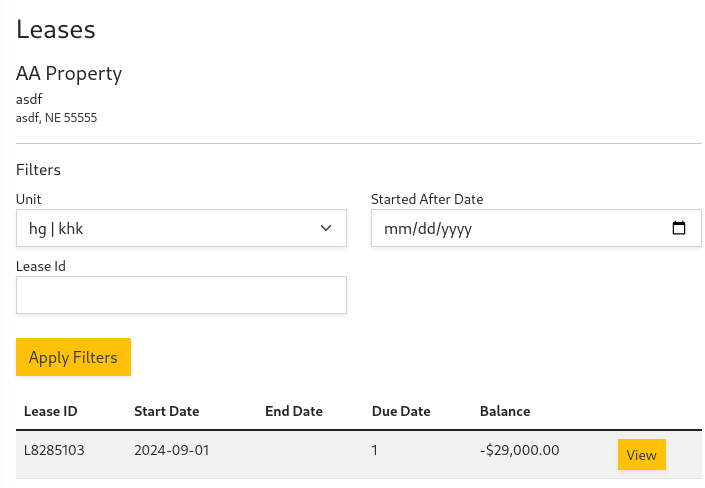
- Change the
Statusdrop down on the lease from Active to Closed. Then selectUpdate Lease Terms