Creating Property Units
Follow the steps below to create a unit that you will have avaliable for lease.
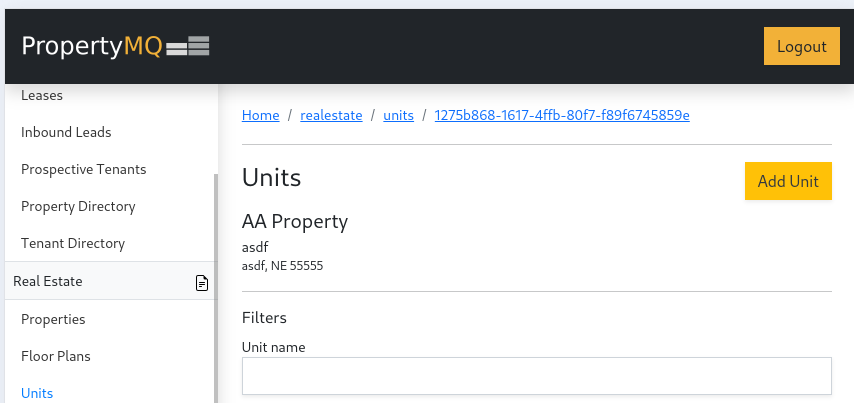
- In the left navigation pannel under
REAL ESTATEselectUnits. At the top of the page clickAdd Unitbutton
- Fill out the information seen below and click
Submit
All of the fields are required except the image and default security deposit.
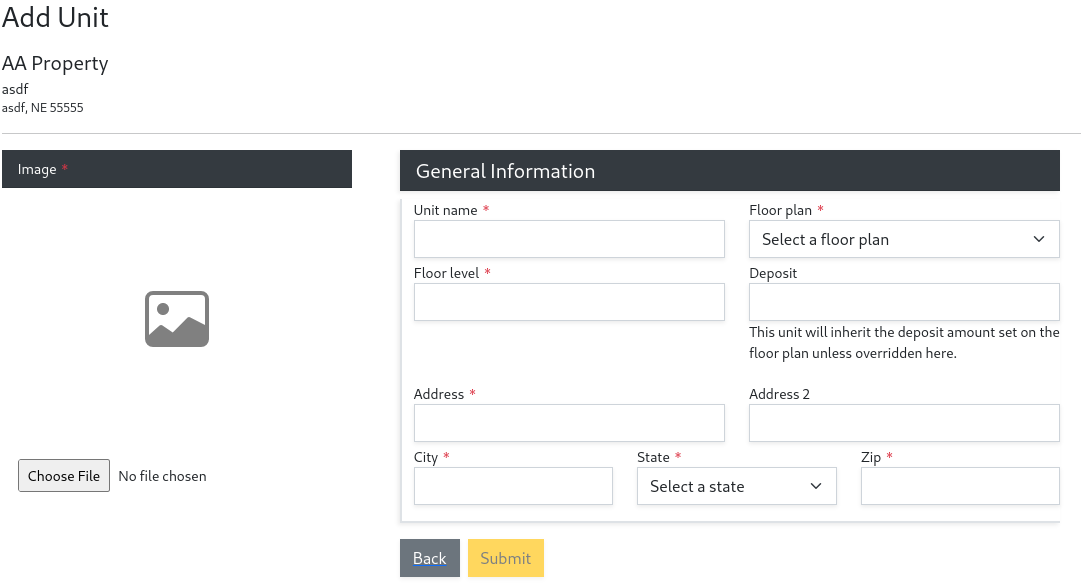
Select Submit to save the unit. After submitting you will then have the option to set default terms and services for the unit. This is only needed if you use the Tenant Application feature to accept applications.
Now that you have created a Unit, you are ready to create an application and setup a lease.