Adding Charges to Tenants
Find the lease to add the charge
You can find leases by searching the
Delinquent Leasesreport orTenant Directory. Click the lease ID link to open the lease.
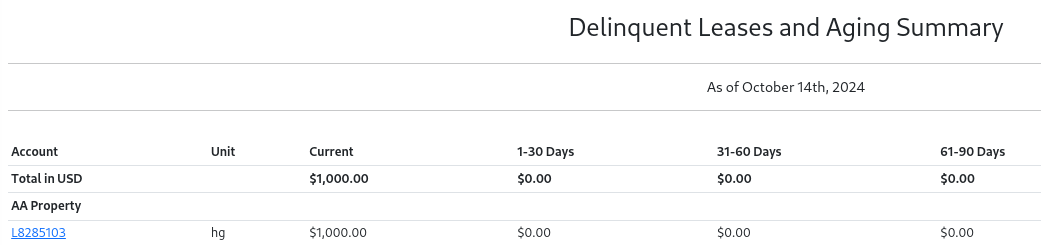
- Select
Create Transactionwhen viewing the lease
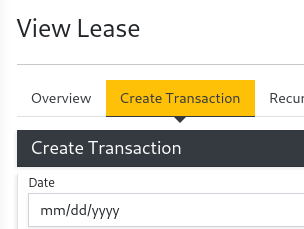
Select a Type of charge from the drop down menu. Fill in the date, description, and amount.
- Rent - Will increase the Tenant's balance due.
- Tenant Credit - Will reduce the Tenant's balance.
- Tenant Fee - Will increase the Tenant's balance due.
- Amenity - Will increase the Tenant's balance due.
- Tenant Services - Will increase the Tenant's balance due.
- Security Deposit - Will increase the Tenant's balance due.
Select
Submit. The Tenant's account will immediately reflect the new balance.