Manual Rent Payments
Find the lease to add the manual payment
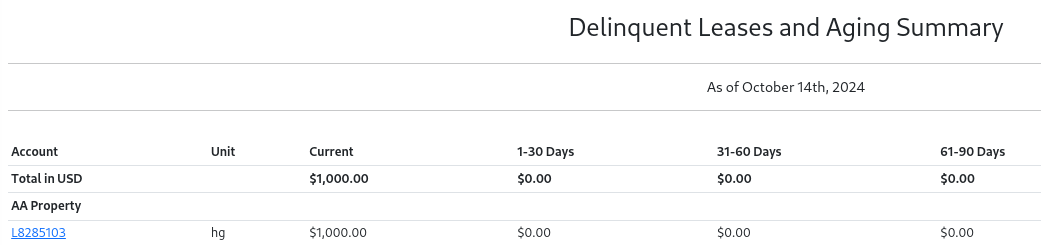
You can find leases by searching the
Delinquent Leasesreport orTenant Directory. Click the lease ID link to open the lease.
- Select
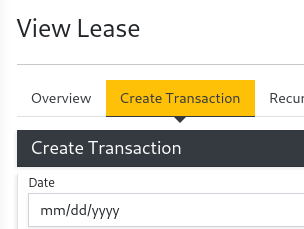
Create Transactionwhen viewing the lease
- Select type
Payment. SelectPayment MethodCheck/Cash/Money Order Rent. Fill in the date, description, and amount.
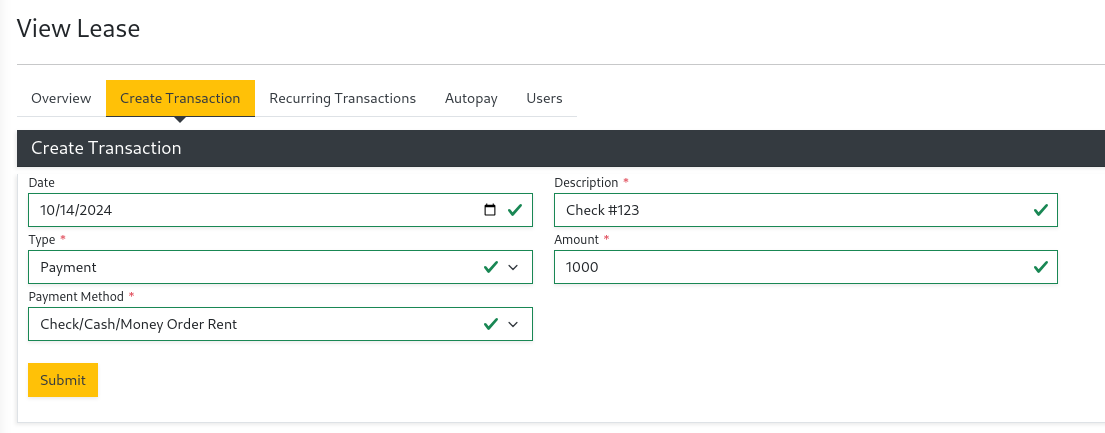
Select
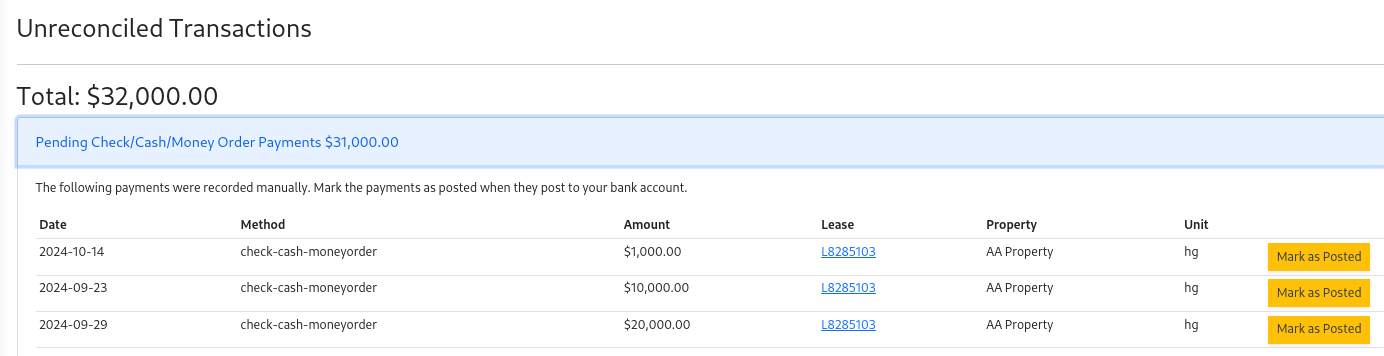
Submit. The Tenant's balance will immediately reflect the amount in theTransaction History. The tenant will also see the amount in the Tenant portal.Once the payment has been deposited and posted to the trust account, reconcile the payment. Select Reconcile in the Accounting menu. Under the
Pending Check/Cash/Money Orderlist selectMark as Postedfor the payment.
After reconciling the Trust Account Balances report will reduce the Unsettled Payments by the amount reconciled. After which
it will be available for payout to the owner.